Overview
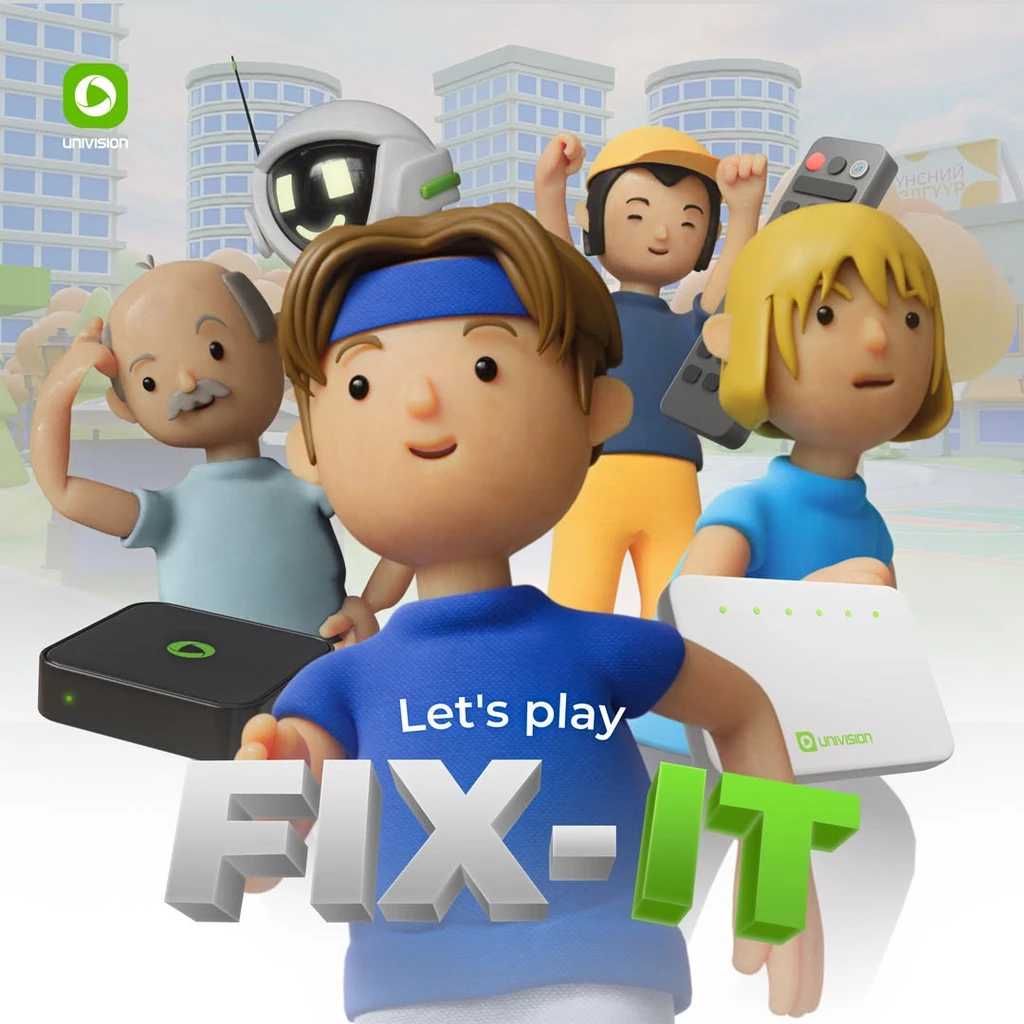
Univision's support team was getting buried in calls about simple stuff, "Why won't my remote work?" "How do I reboot my router?" Their ask was straightforward: make learning these things actually fun.
The answer was a game.
Problem
Self-service support content, FAQs, video tutorials, help articles, had near-zero engagement. Users called support not because they couldn't find the answers, but because the format felt like homework.
The challenge was twofold: make troubleshooting engaging for a wide age range (children through elderly users), and reduce call volume on Univision's most common support topics.
The Game
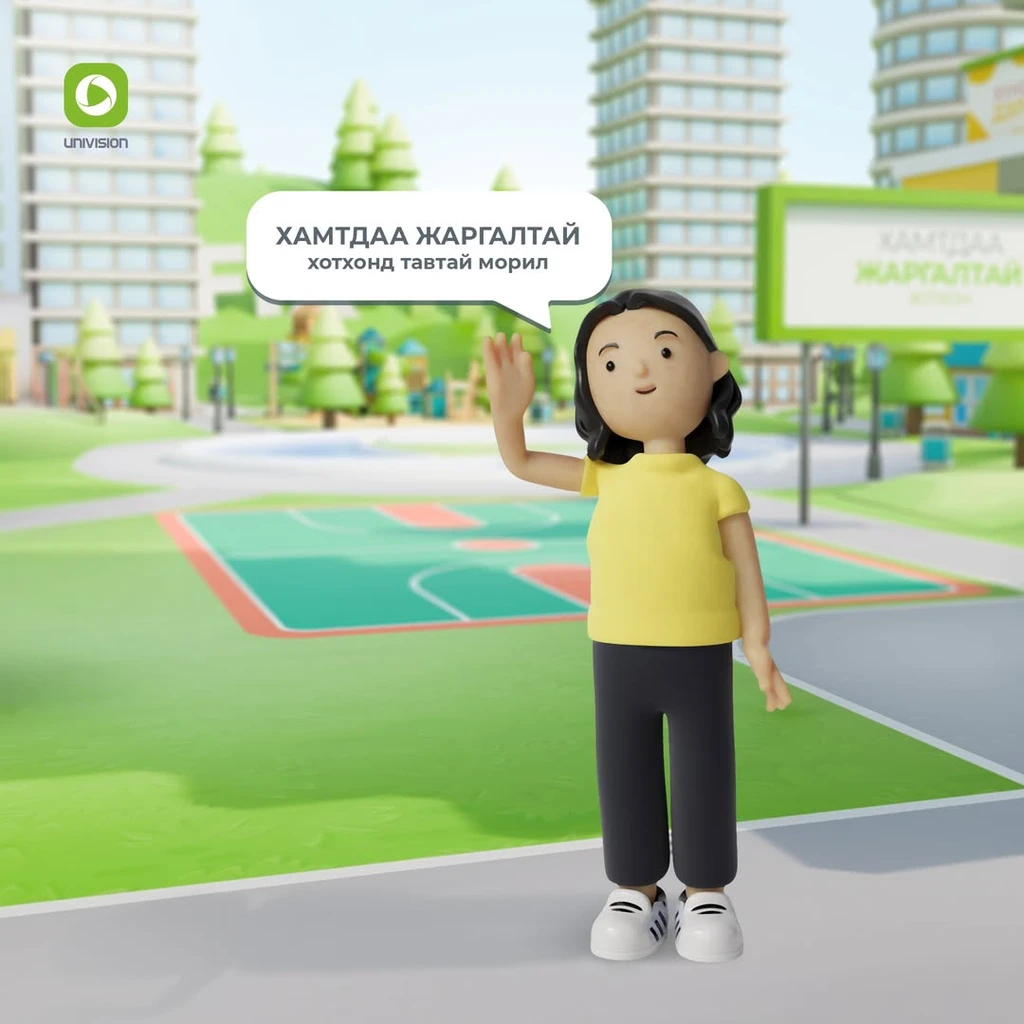
FIX-IT is a low-poly 3D game set in a virtual Mongolian neighborhood. Players take the role of a DIY Engineer, moving through four themed areas, completing quests, and collecting items, a remote, a router, a cable. Complete the mini-game, earn an item. Collect all four, and you win.
Design
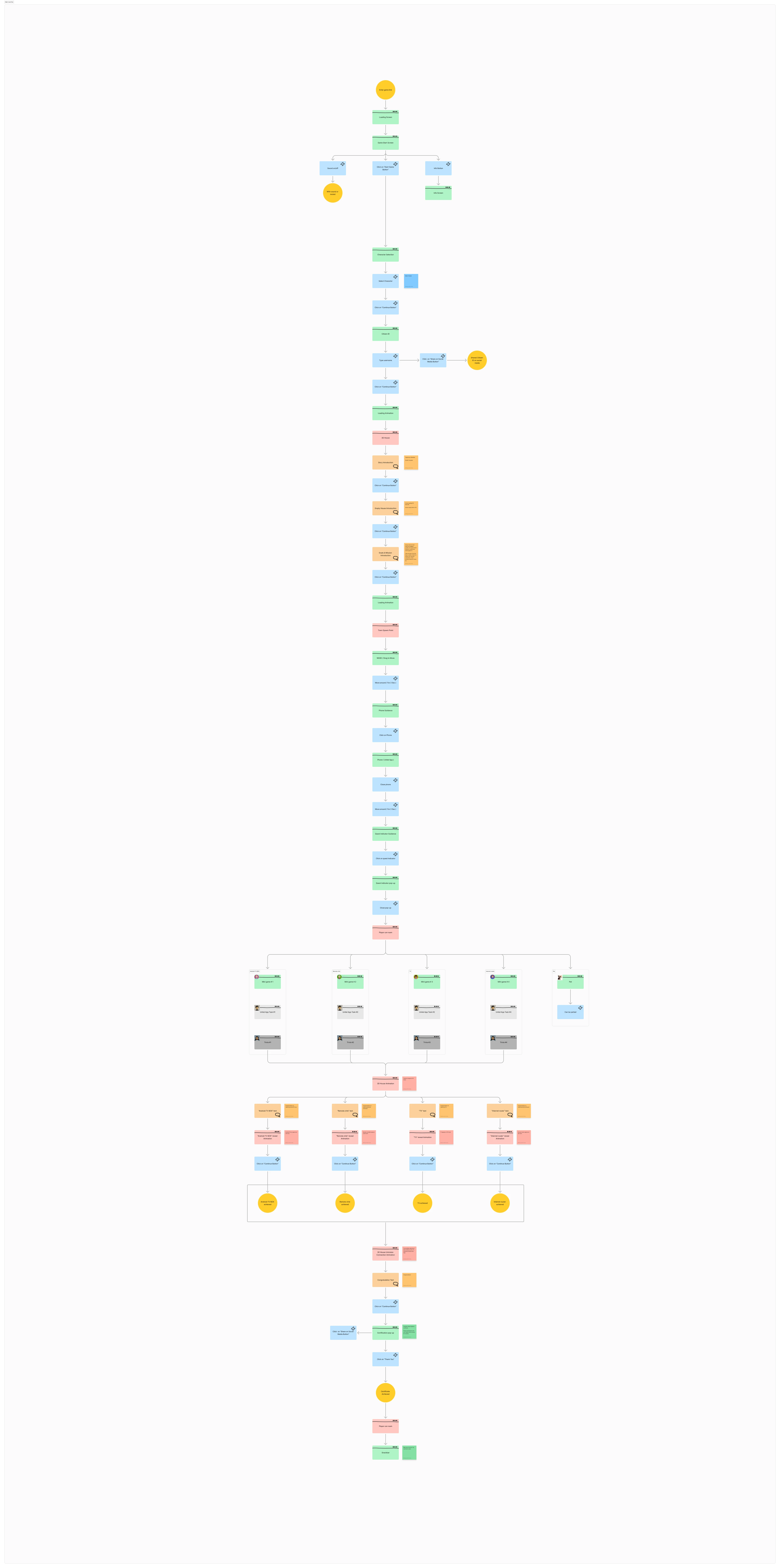
Game Architecture
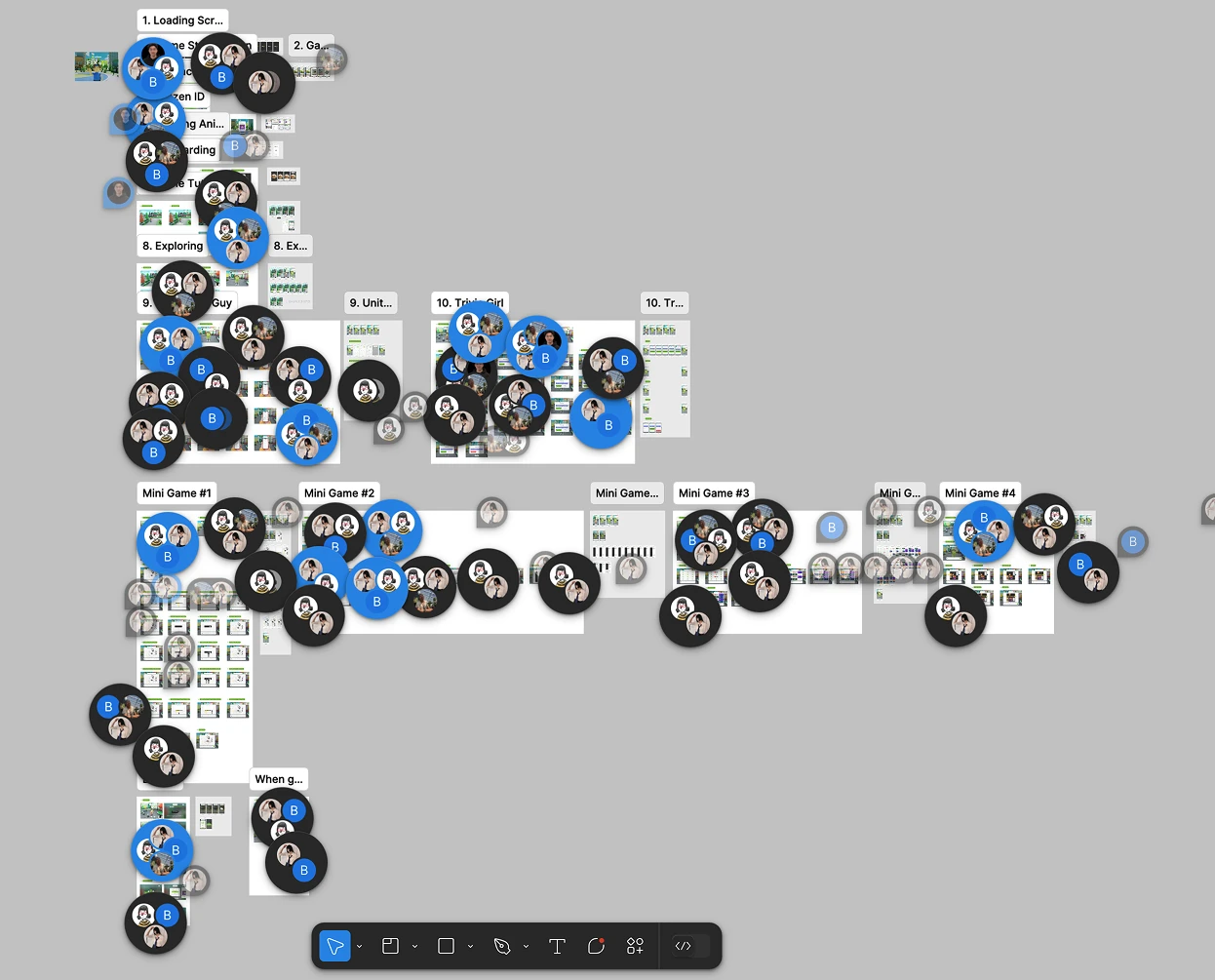
We mapped the full game flow before touching a single screen. One entry point, four parallel mini-game tracks, and a shared reward system. The structure had to be simple enough for a child to follow but deep enough that older users didn't feel talked down to.
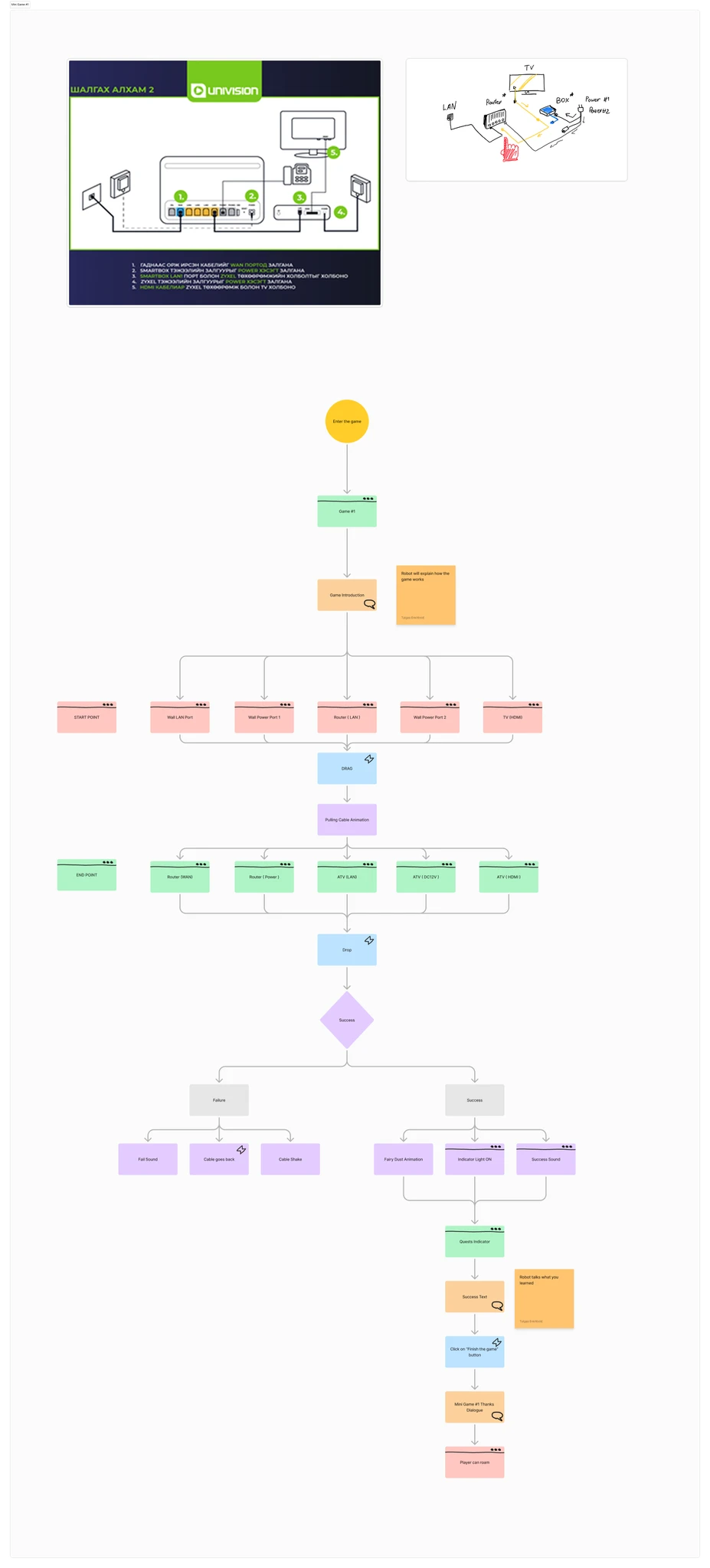
Mini-Game #1: Cable Connection
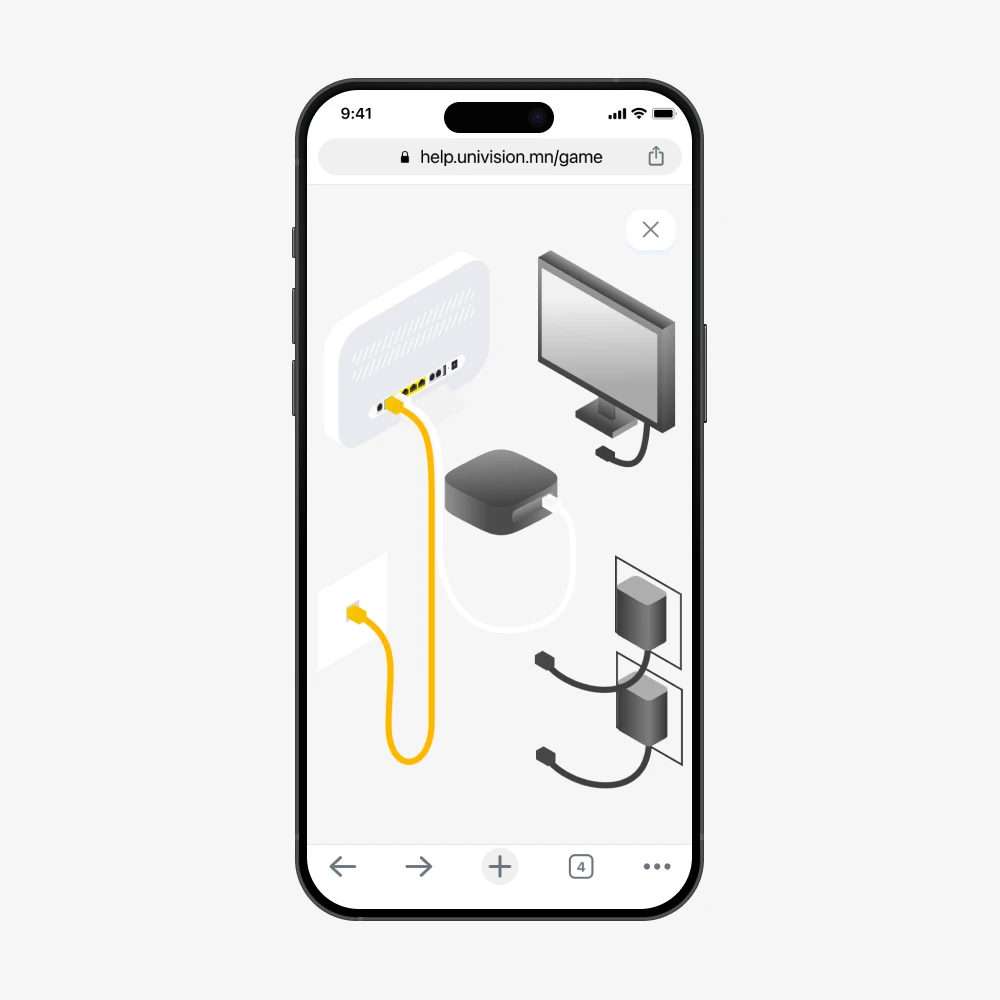
The first game teaches physical setup: connecting a router, smartbox, and TV using the correct cables in the correct ports. Players drag cables to the right connectors while a robot guide explains each step.
Mini-Game #2: Remote Control Quiz
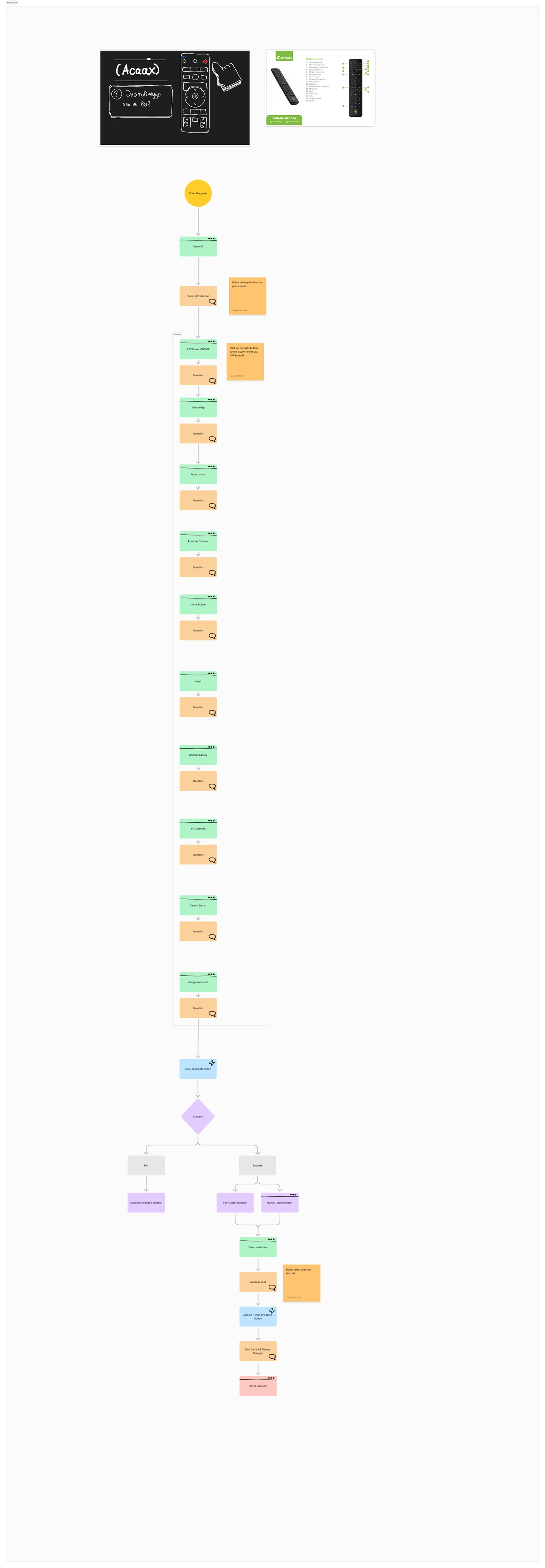
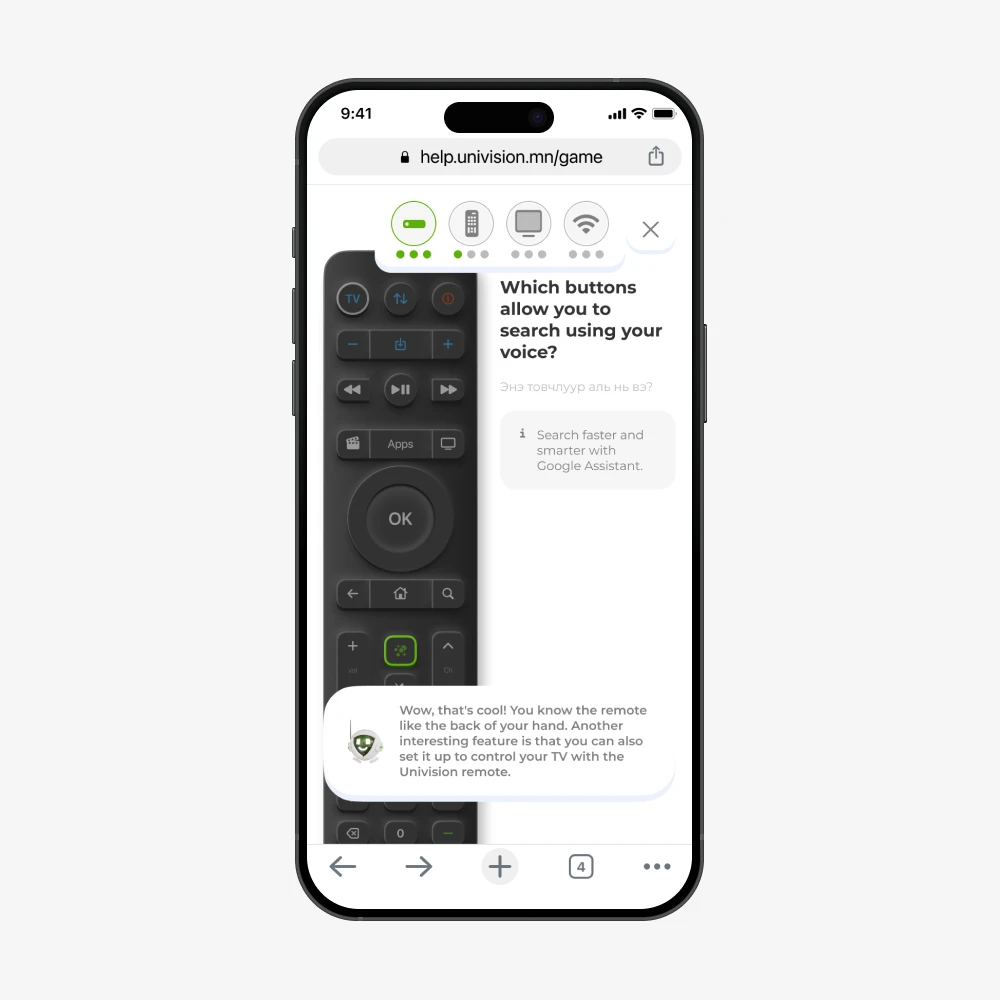
The second game teaches remote button functions through a Q&A format. Players are shown the physical remote and asked questions like "Which button lets you search using your voice?" The robot rewards correct answers and adds context about features they didn't know existed.
Mini-Game #3: Channel Memory Match
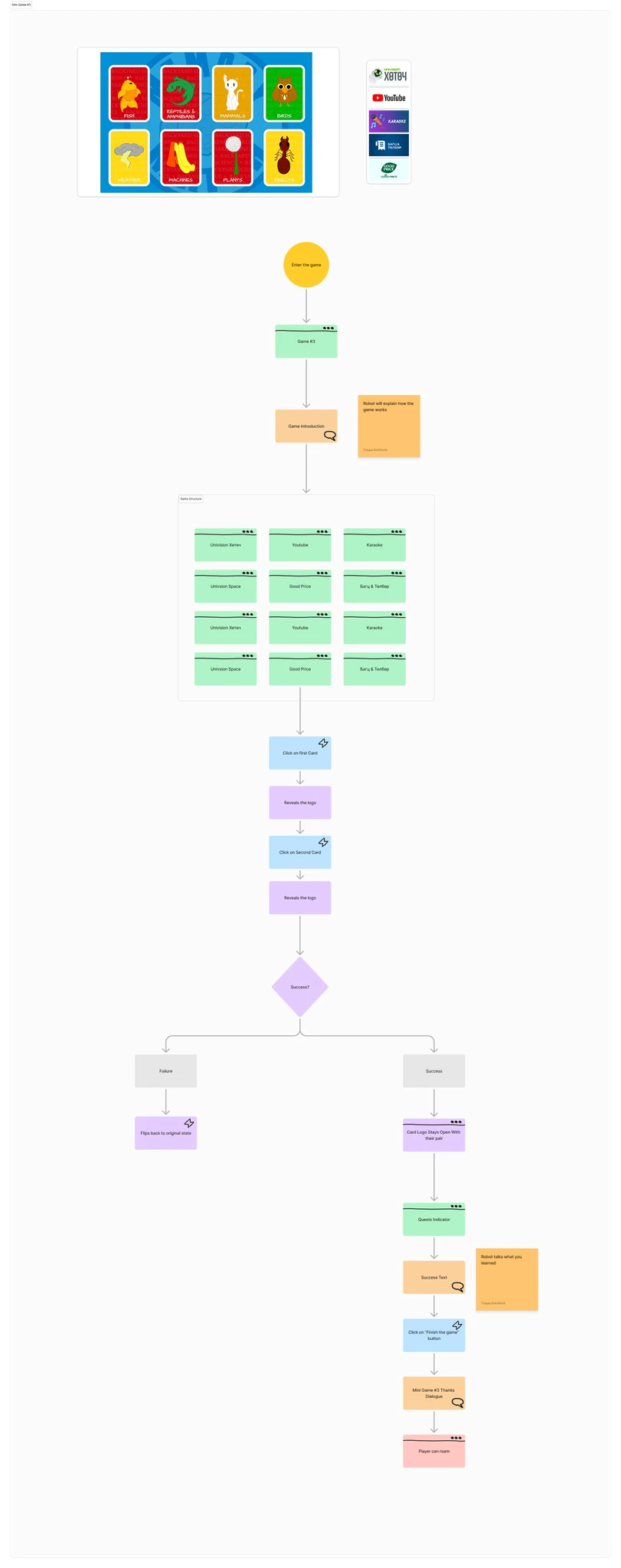
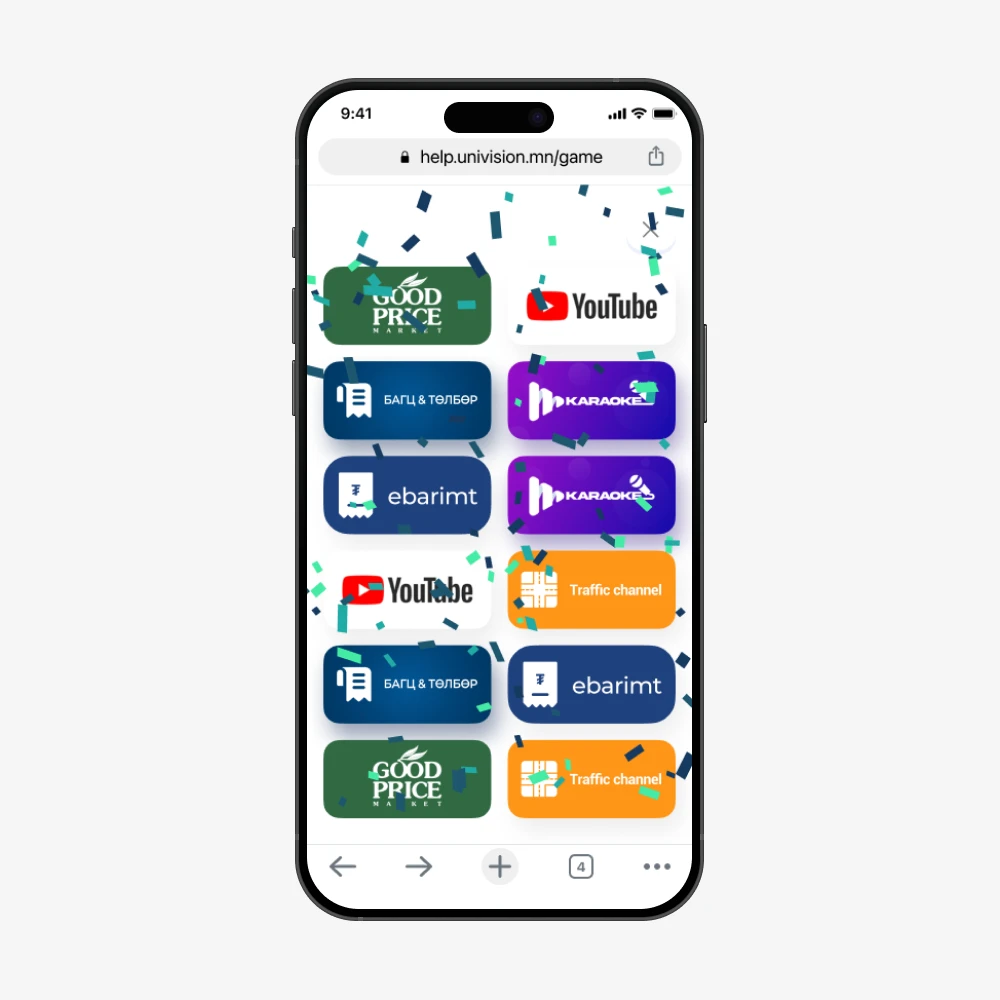
The third game teaches channel navigation using a memory card matching mechanic. Players flip cards to find matching channel logos, Univision Хэтэч, YouTube, Karaoke, Good Price Market. Match them all, unlock the quest reward.
Mini-Game #4: LAN Cable Puzzle
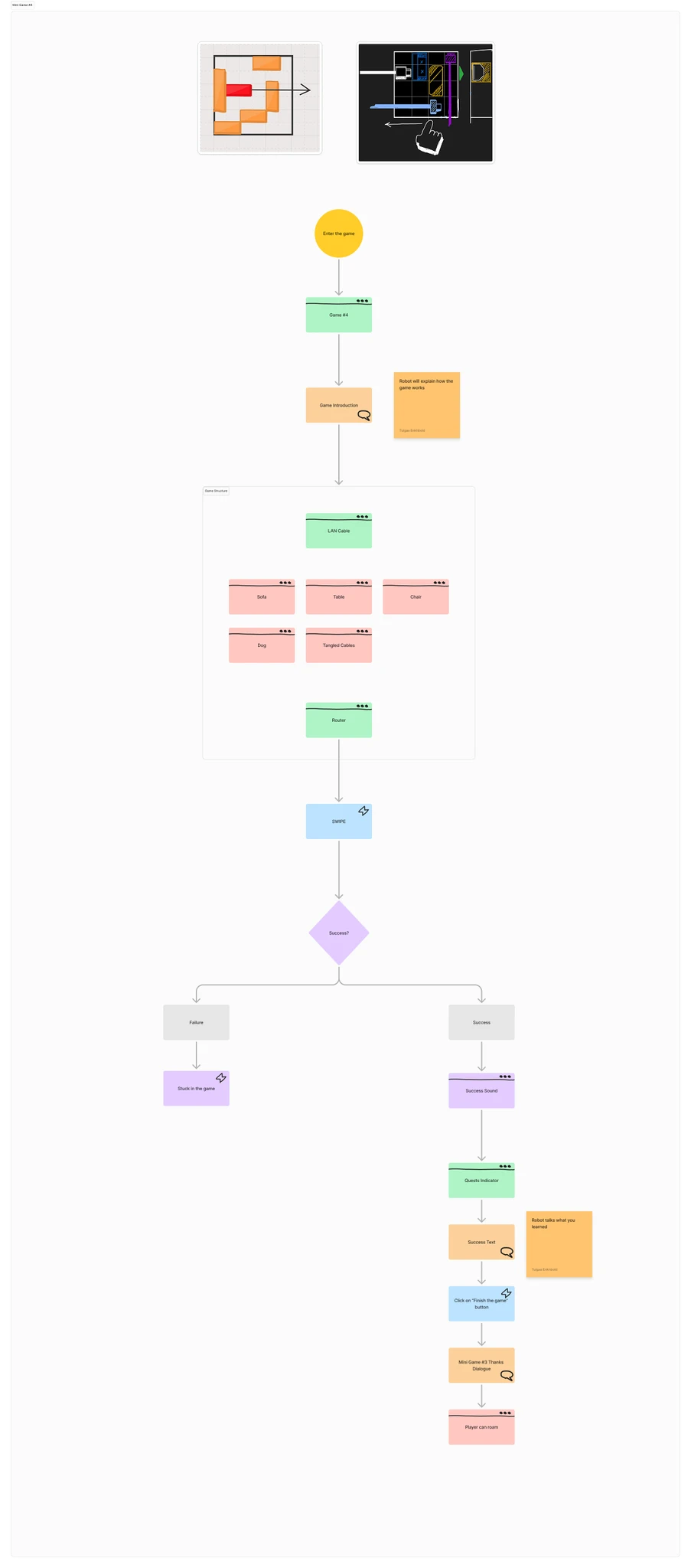
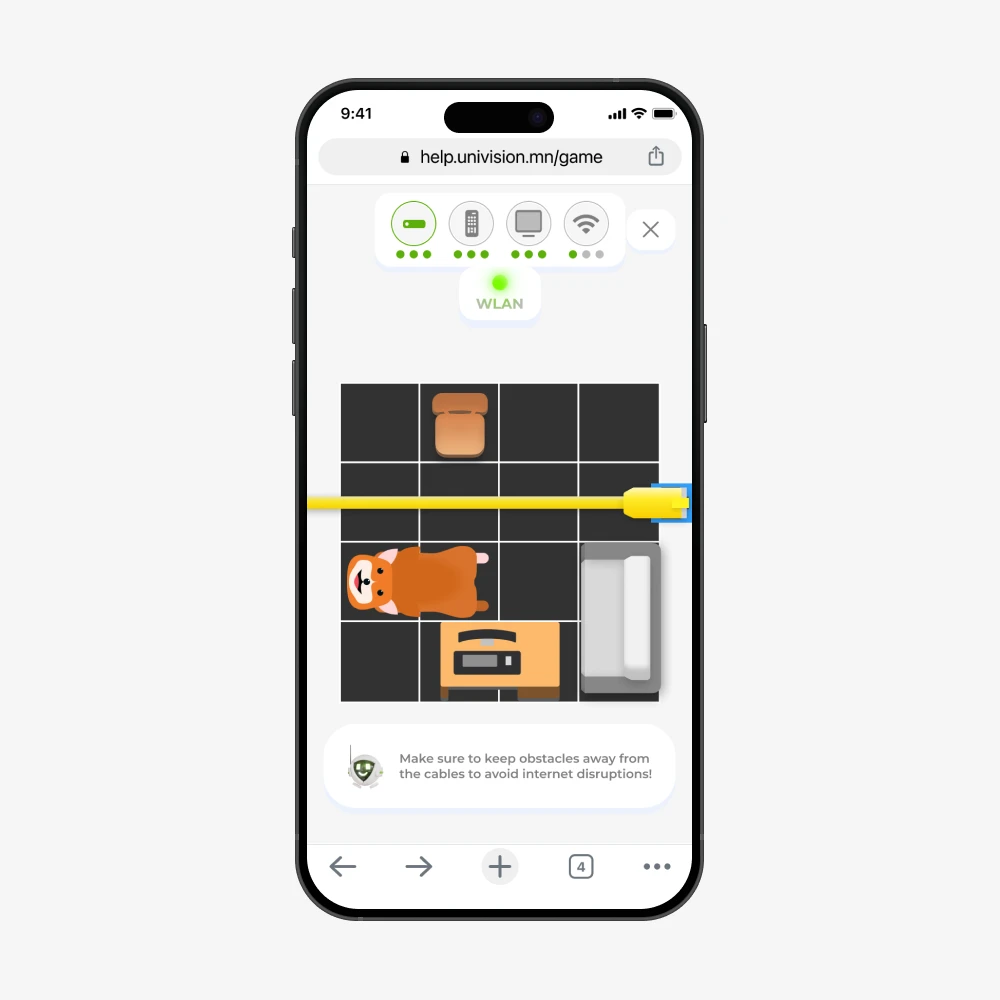
The fourth game teaches internet connectivity through a sliding puzzle. Players guide a LAN cable through a grid, moving obstacles (a dog, furniture, tangled cables) out of the way to connect the router. Clear the path, restore the internet.
Gameplay
UI System
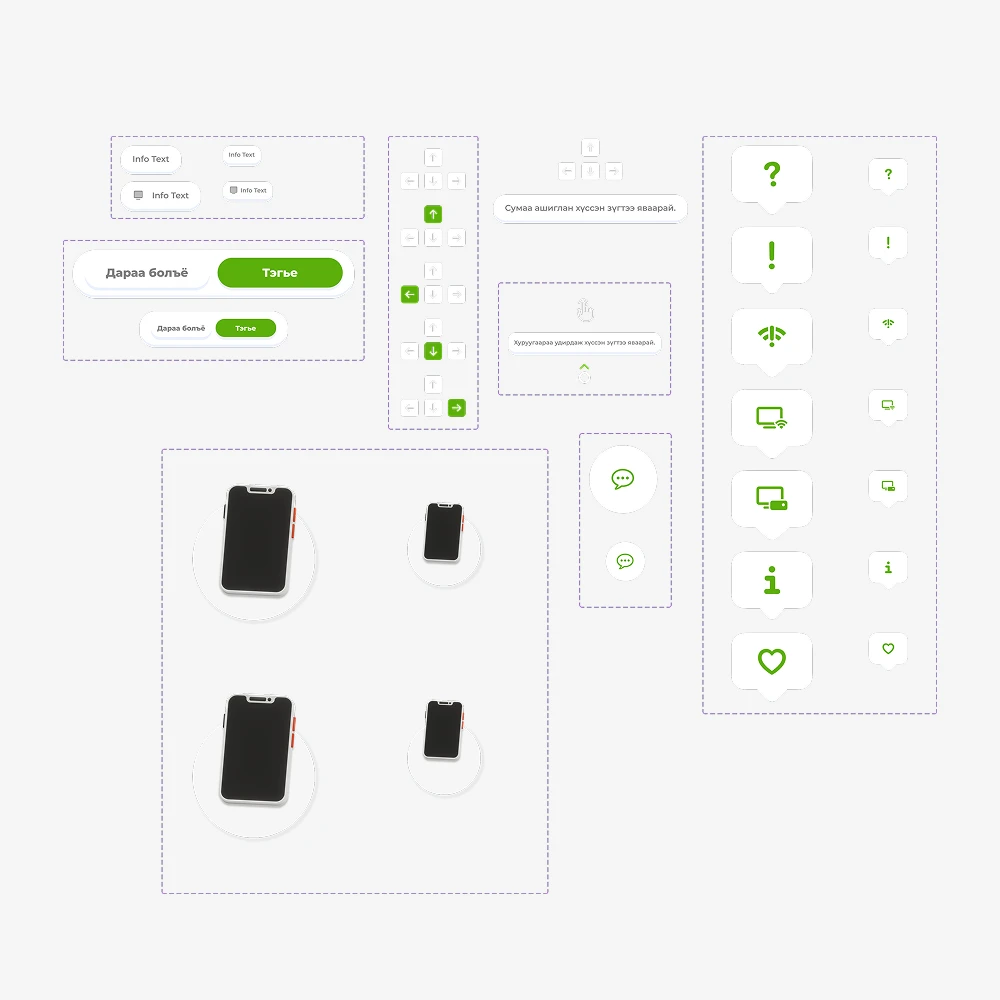
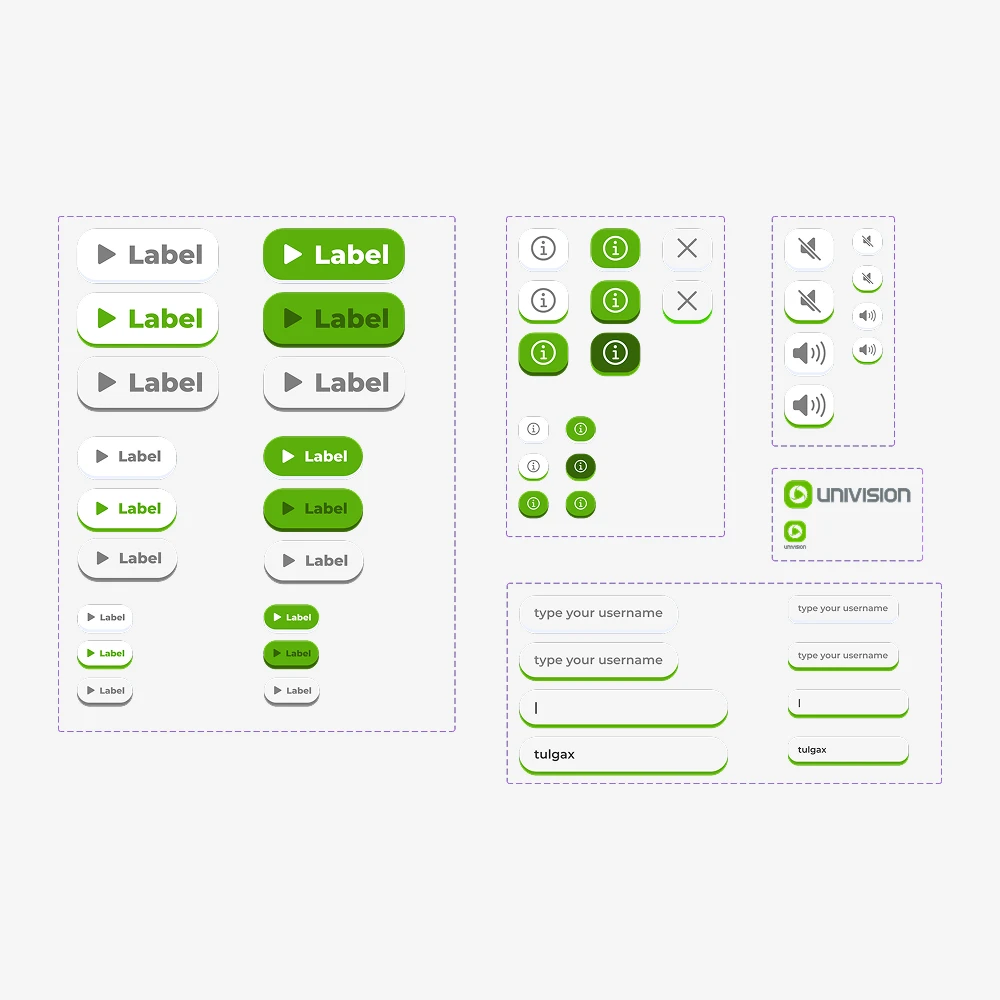
The UI had to work simultaneously for a 7-year-old and a 70-year-old. High contrast, generous tap targets, minimal text, and visual language that explained itself. Every instruction that could be shown through animation was shown through animation instead of words.
Quest & Dialogue System
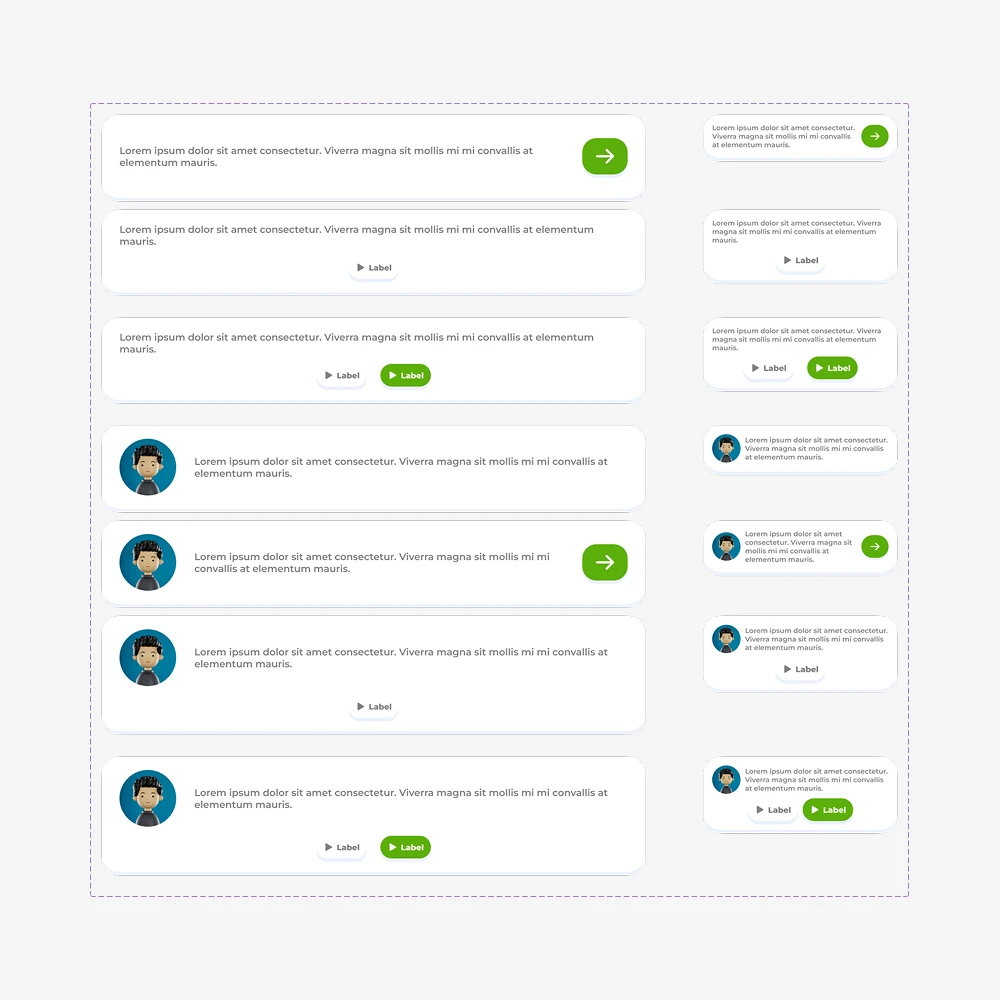
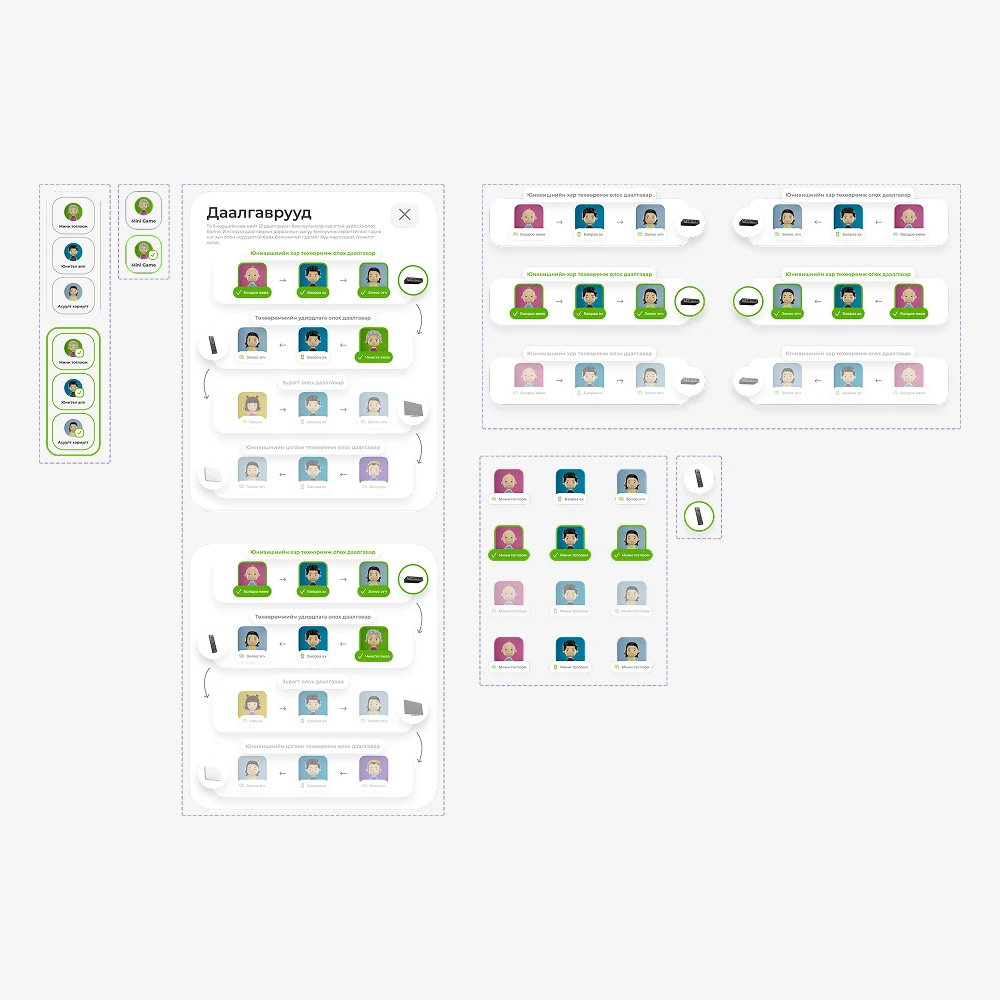
The robot guide is present throughout every mini-game, explaining rules, reacting to player choices, and teaching the lesson at the end of each quest. The dialogue system had to be clear enough to read in two seconds and warm enough that it didn't feel like reading a manual.
Testing & Iteration
Two groups gave the most useful feedback.
Kids were natural game design critics. They understood exactly how a game should flow and pinpointed anything that felt wrong, their instincts directly shaped the final mechanics.
Elder users grasped the game rules quickly but got lost navigating between areas. We responded with clearer signposting, explicit zone labels, and simplified in-game navigation. Three rounds of iteration followed before the UI was locked.
Project Scope
Outcome
FIX-IT became Univision's most viral campaign to date. Within the first month it had 5,000+ plays, an 80% completion rate, and had measurably reduced basic support call volume by 23%.
The project ran for 2 months. People had fun, and they actually learned something.
5,000+ Plays
In the first month since launch
23% Fewer Support Calls
Measurable reduction in basic support call volume within the first month
80% Completion Rate
Players finished all four mini-games and earned their engineer certification